iPhone
Native iPhone apps in SwiftUI
The same language Apple's own apps use. Watch yours run in the iPhone simulator on your Mac, then try it on your real iPhone with TestFlight.
Build real websites and native iPhone and Android apps by describing them. No coding, no setup, all on your Mac.
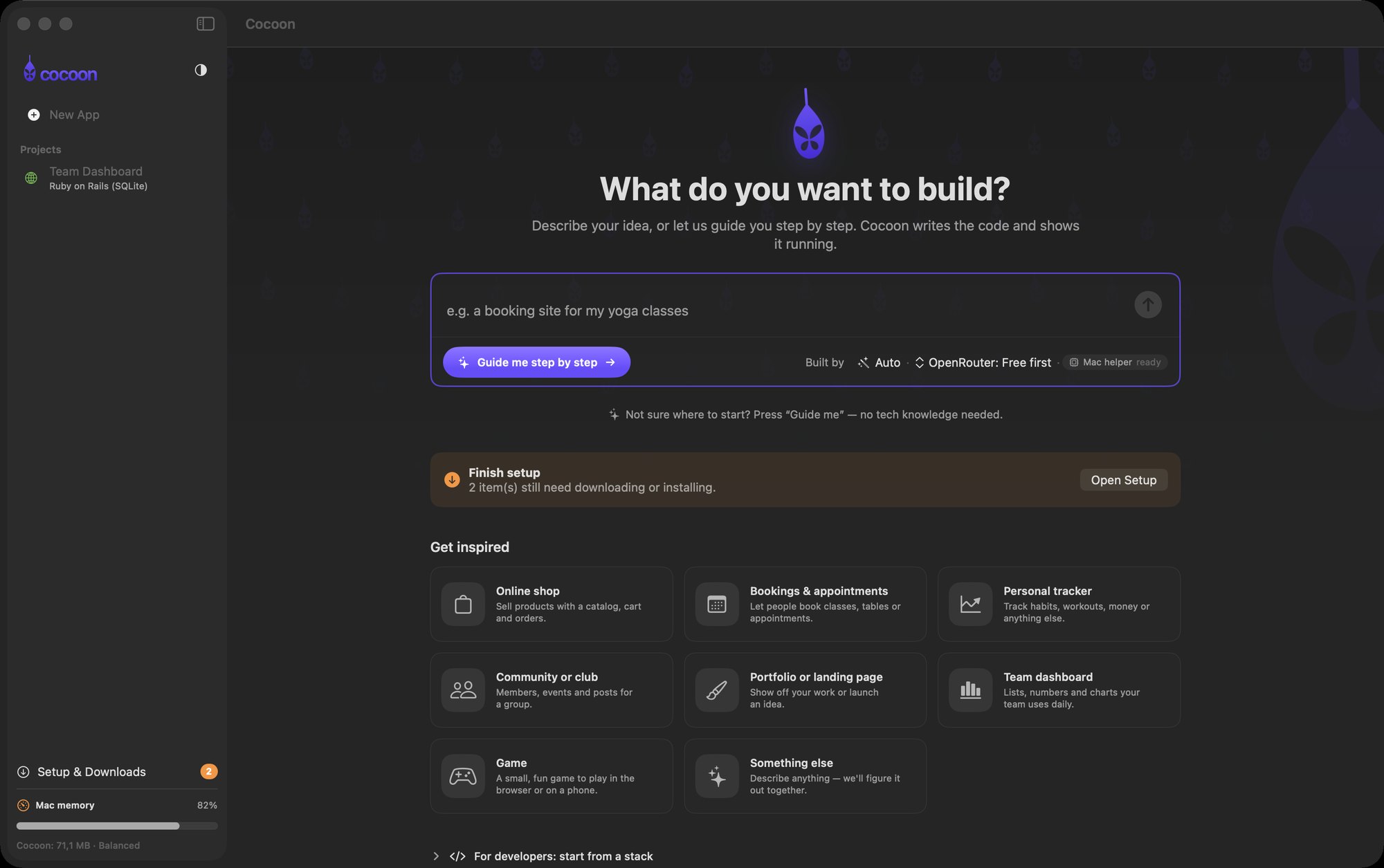
Made for everyday people
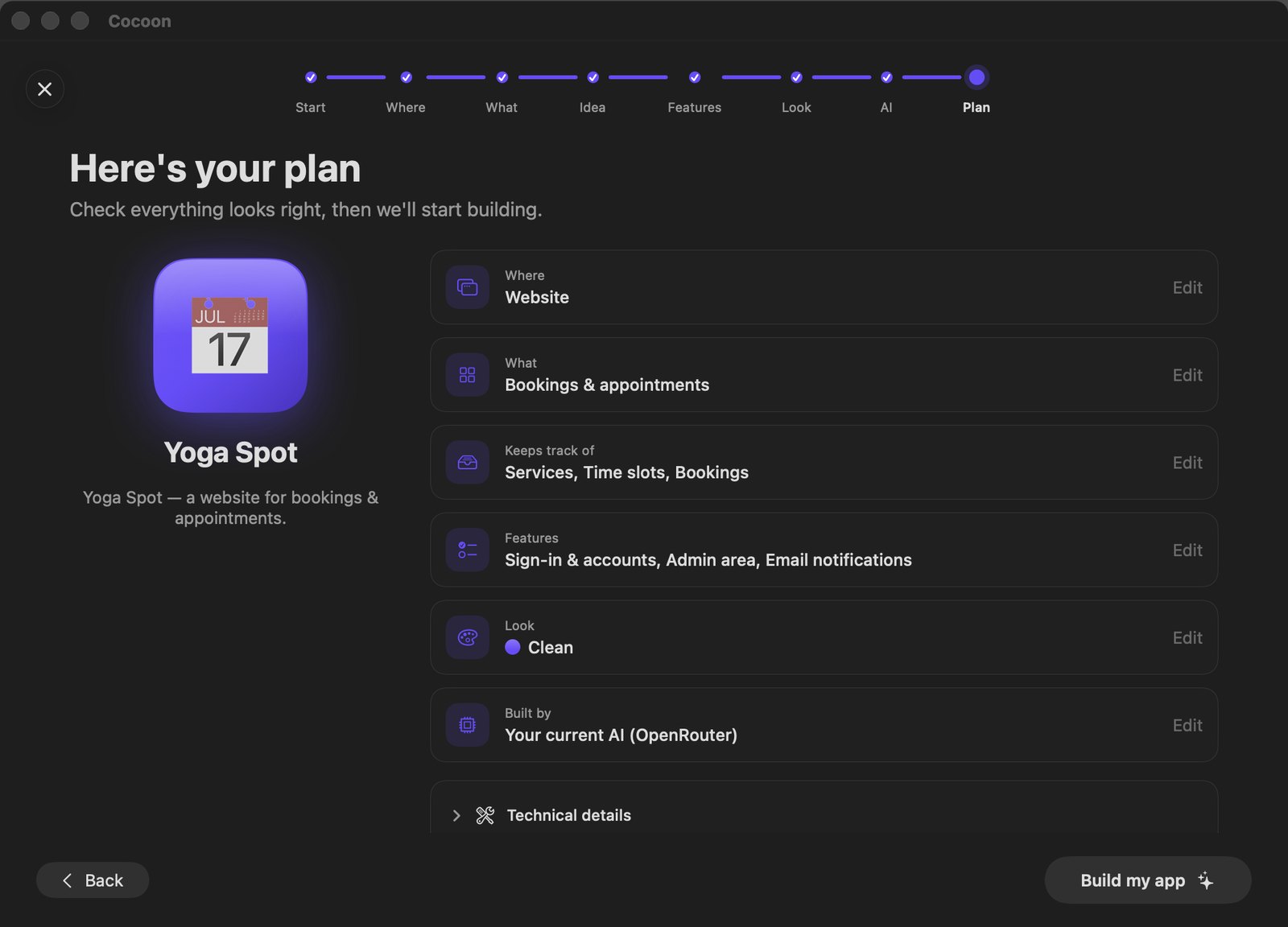
No code and no jargon. Cocoon asks a few friendly questions, shows you the plan, then builds.
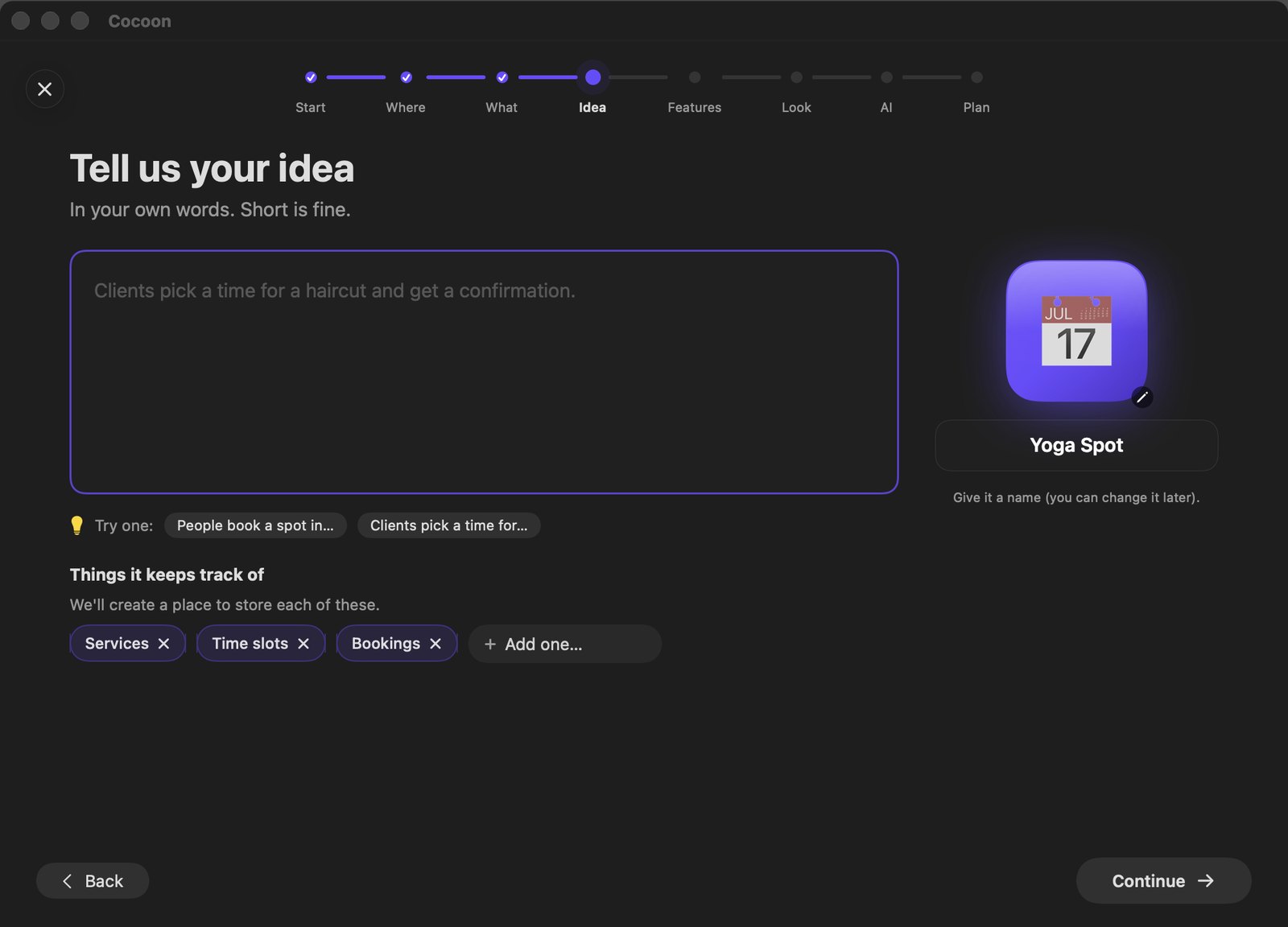
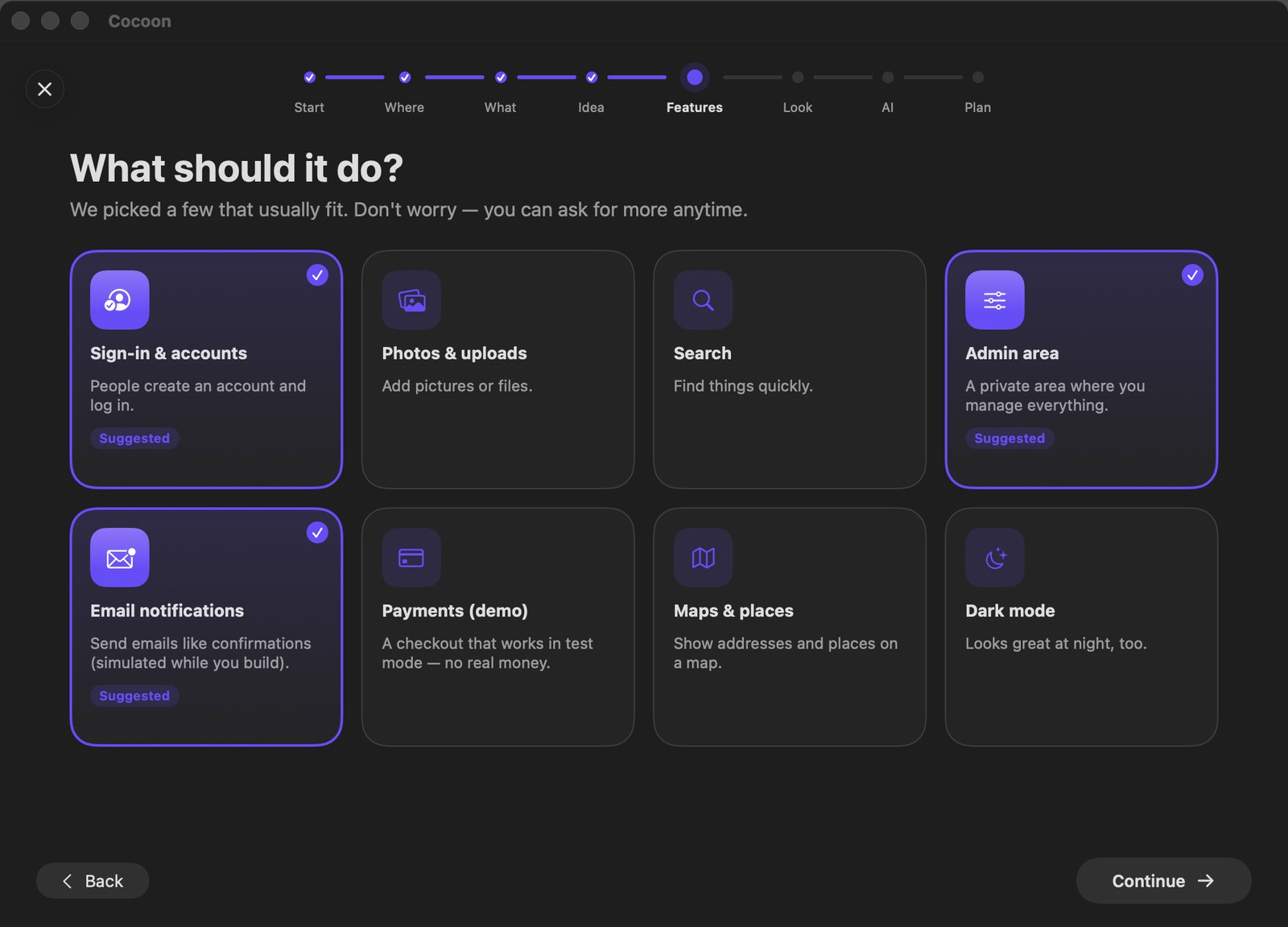
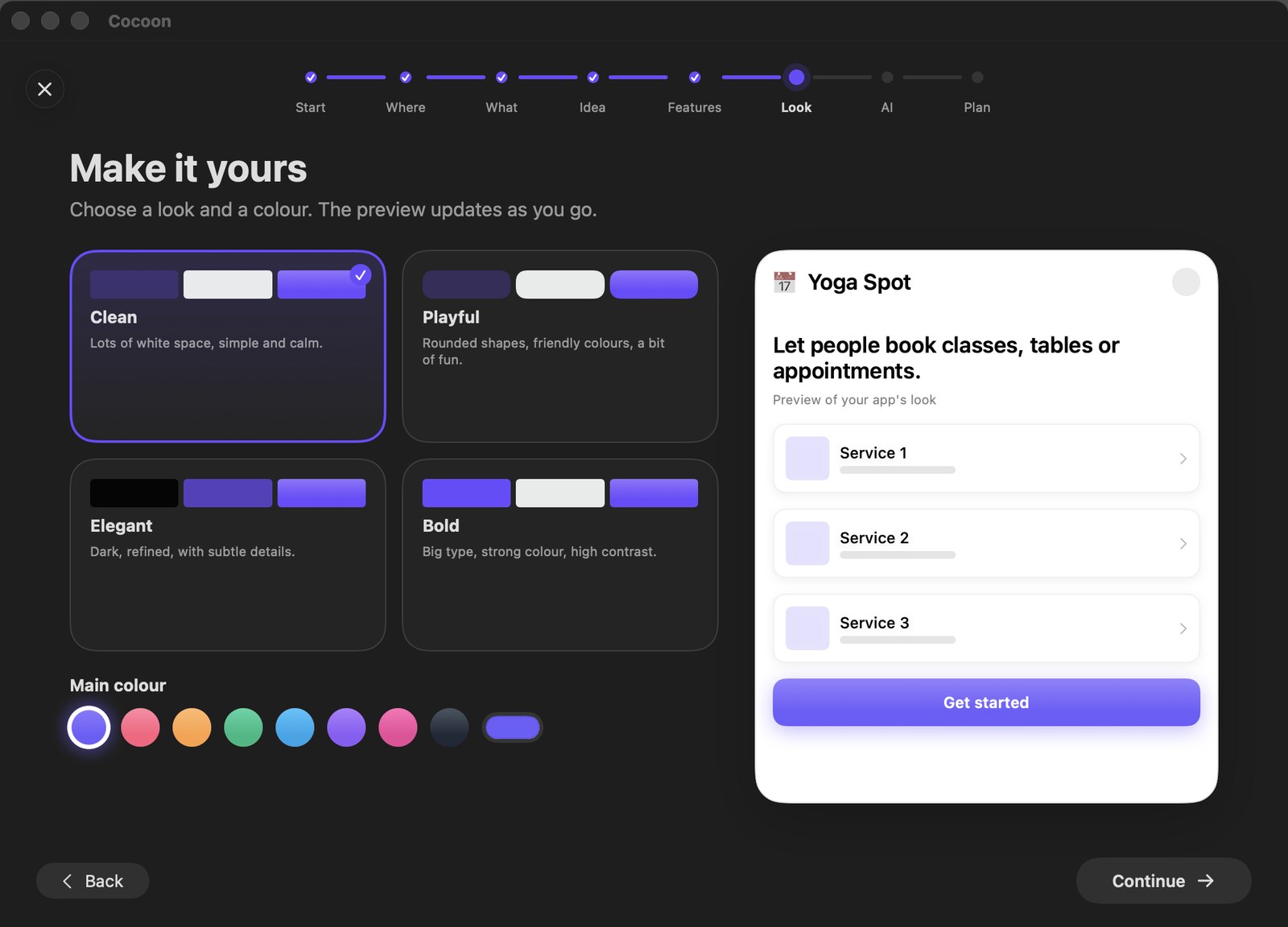
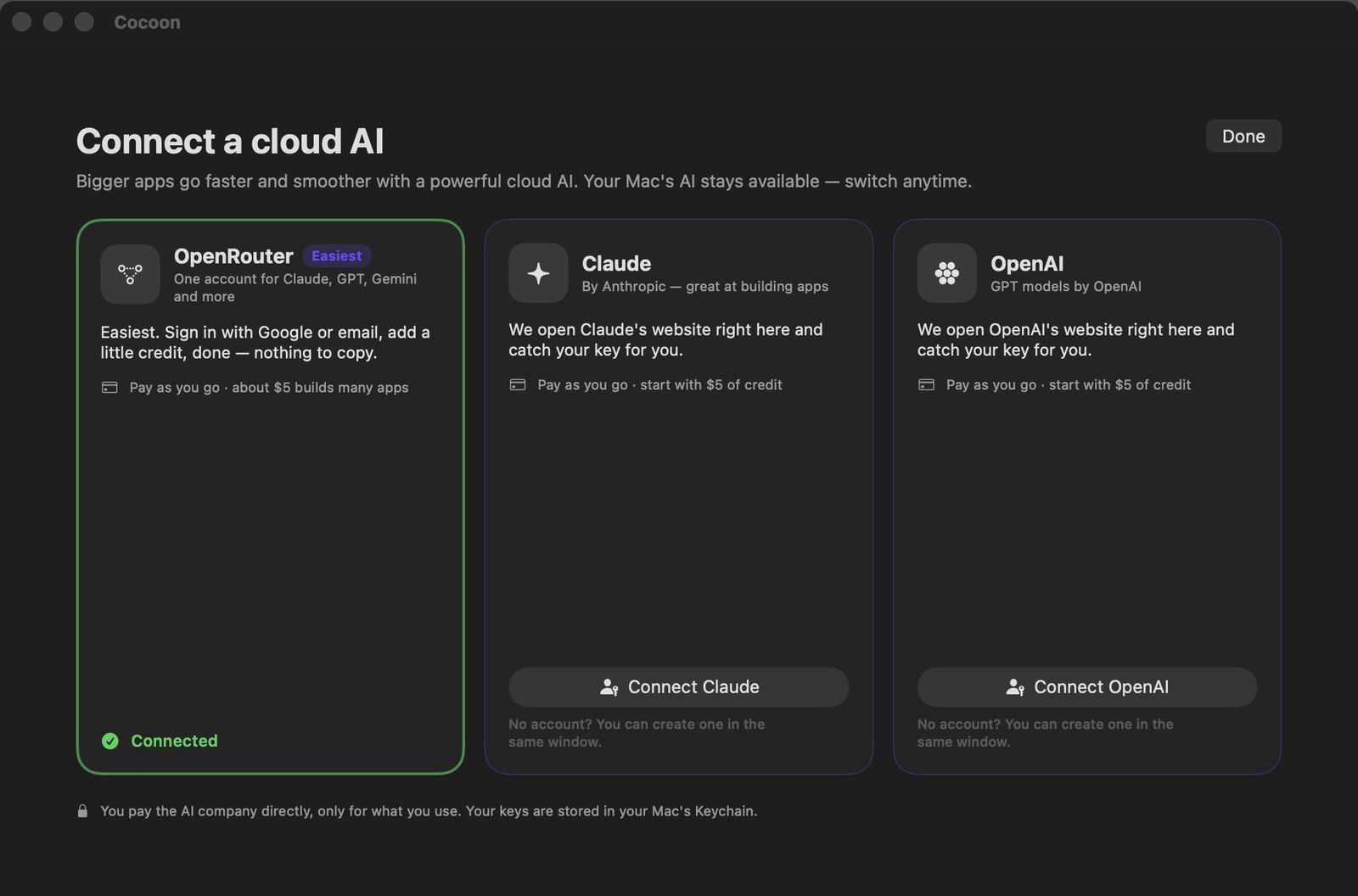
Connect OpenRouter, Claude or OpenAI without copying a single key. Cocoon catches it for you and keeps it in your Mac's Keychain.
The same language Apple's own apps use. Watch yours run in the iPhone simulator on your Mac, then try it on your real iPhone with TestFlight.
Kotlin and Jetpack Compose, running in the Android emulator right next to your chat.
Shops, bookings and dashboards that store data, previewed live as Cocoon builds them.

“Make the header blue.” “Add a login page.” Every change shows up in seconds, and every version is saved so you can always go back.
Your apps, your code and your keys live on your machine, under your own accounts.
No servers to configure and no certificates to understand. Cocoon picks the right place for your app and walks you through the rest.
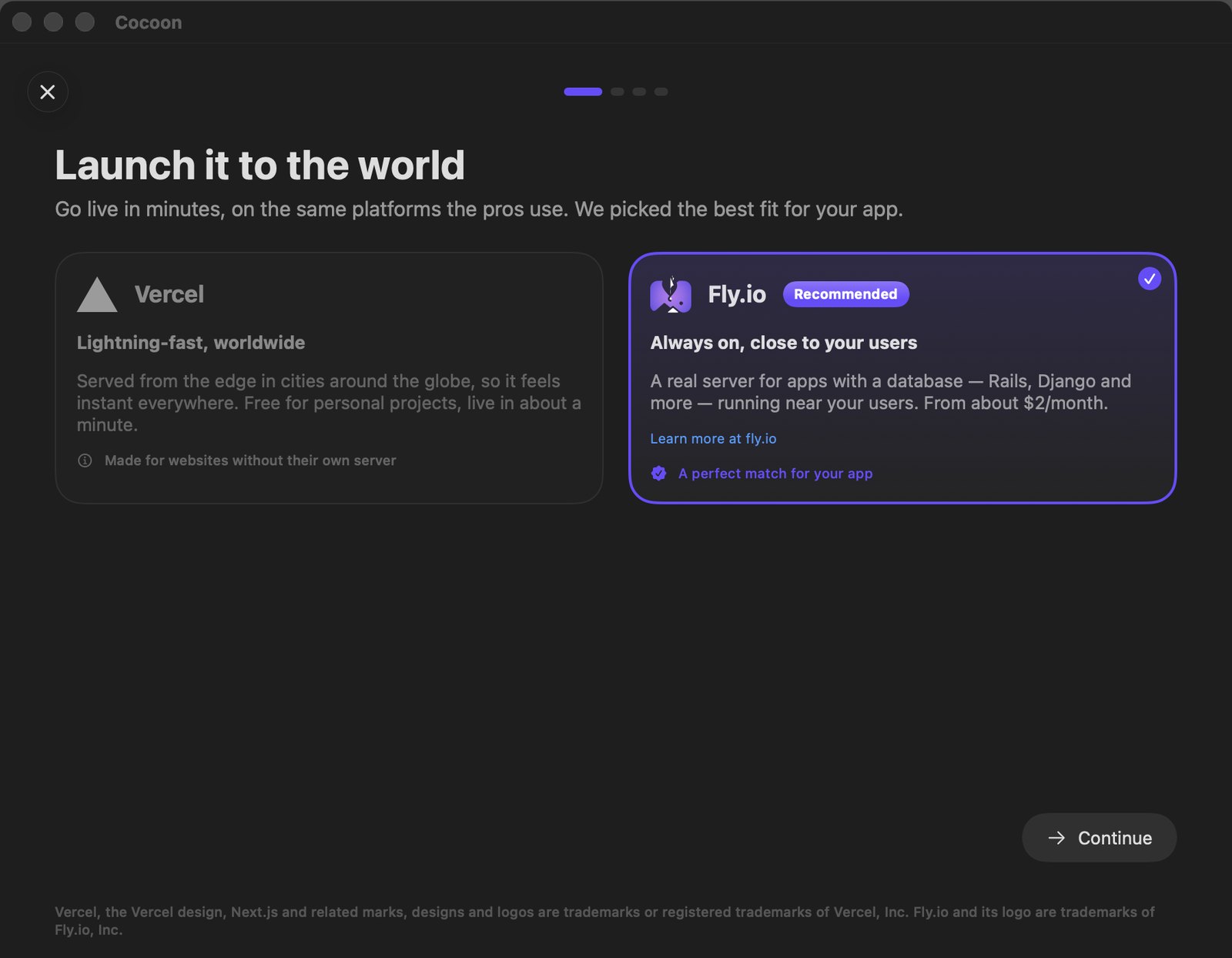
Vercel for websites, Fly.io for apps with a database. It explains why, in plain words.
The sign-in opens inside Cocoon. No tokens to copy, no command line. Cocoon remembers it safely on your Mac.
Your app gets a secure link to share. Add your own domain later, and Cocoon sets up the DNS for you when it can.
A calm checklist for the App Store and Google Play. Most steps run by themselves.
Under the hood
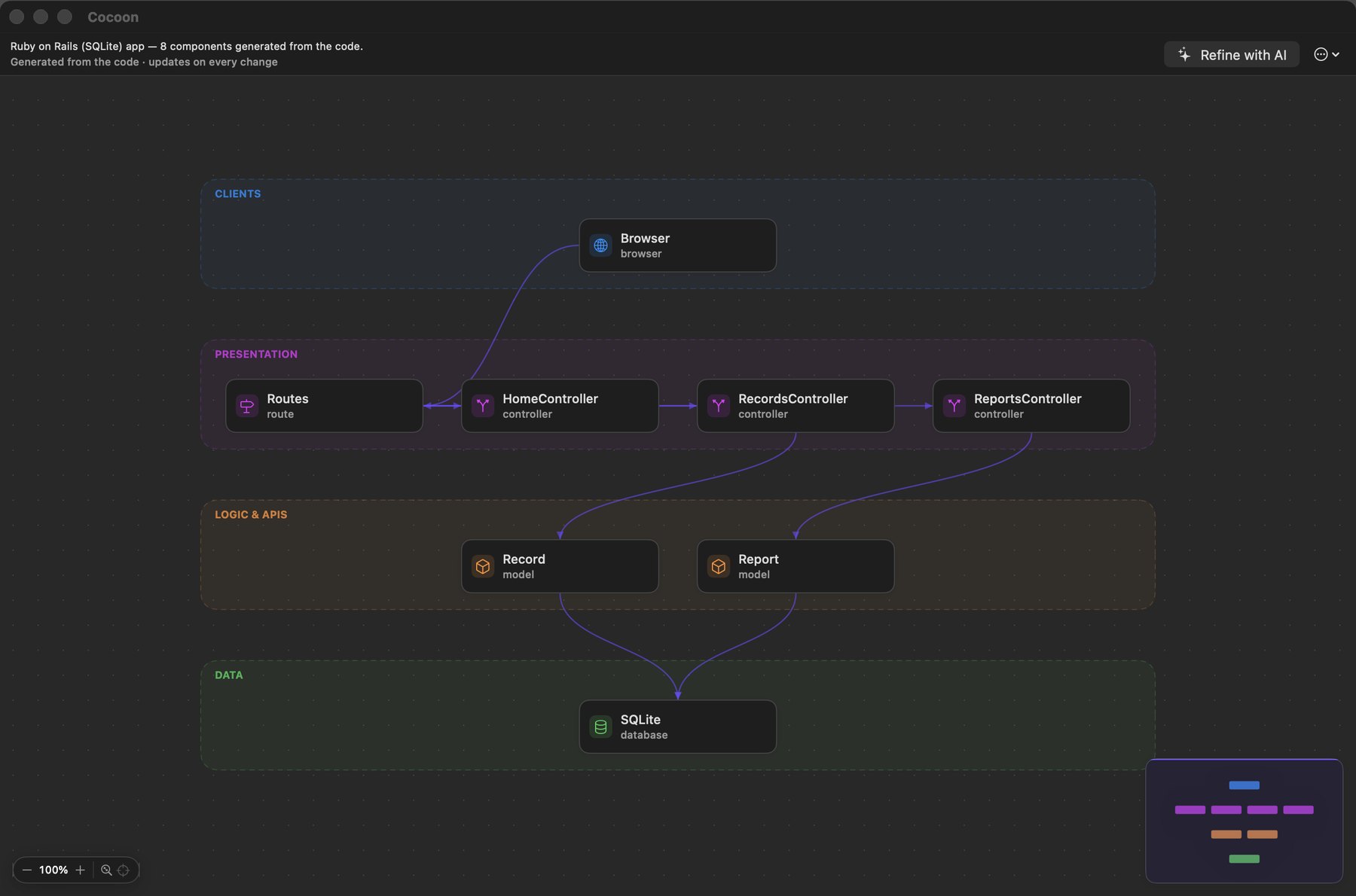
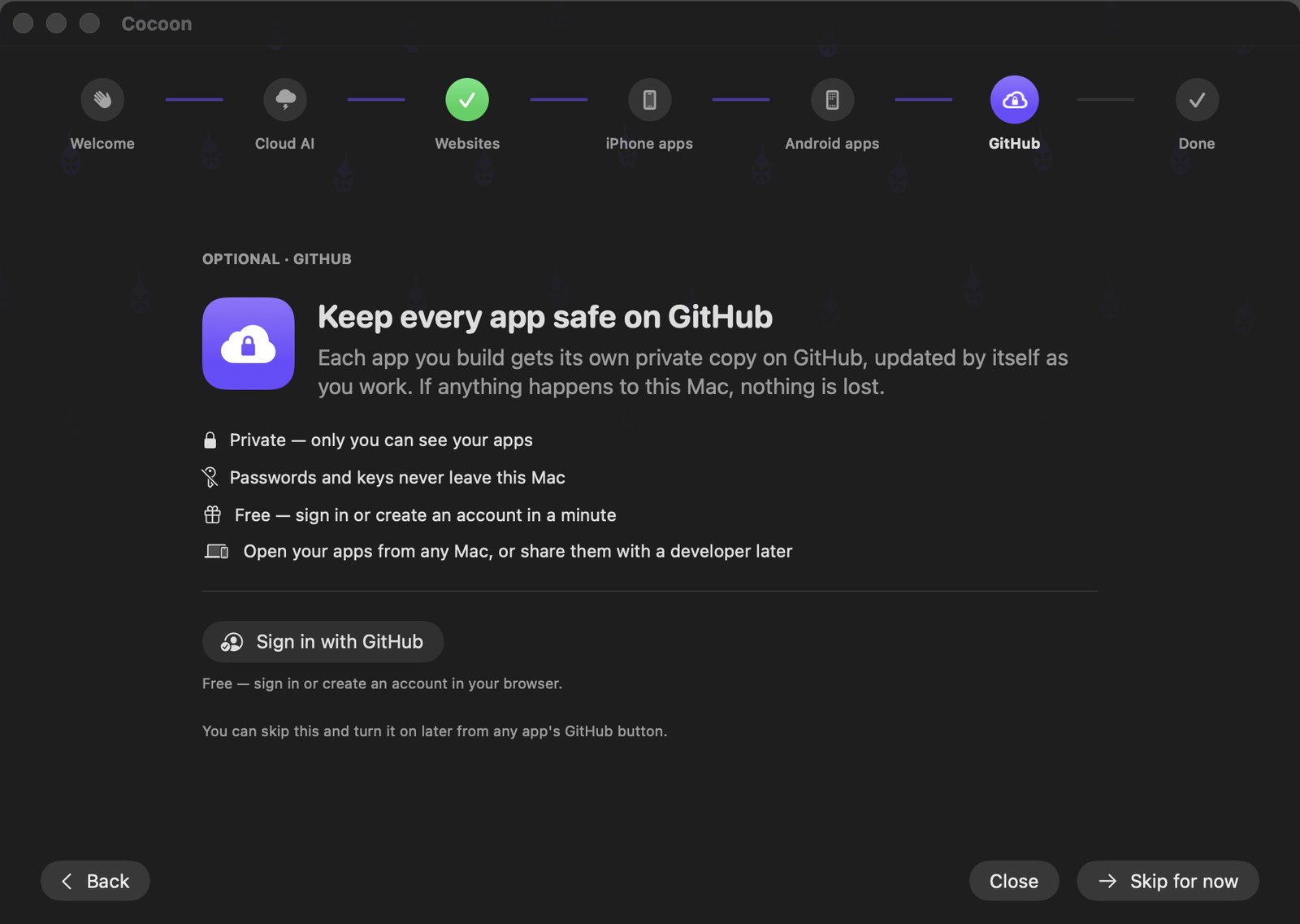
Sign in once and every app gets a private GitHub copy that syncs by itself. Changes on both sides are never overwritten: you choose.
Built on the same tools professional teams use.
No. You describe what you want and ask for changes in plain words. The code is there if you ever want it, behind one small button.
Yes. Cocoon writes a normal codebase on standard tools, with documentation and a full history on GitHub. Any developer can pick it up.
You pay the AI you connect as you go; OpenRouter can start free. Publishing a website can be free. Apple charges $99 a year and Google Play $25 once, only if you ship to their stores.
You do. The code is on your Mac and in your own GitHub, published under your own accounts. If you stop using Cocoon, everything keeps working.
Download Cocoon, open the file and drag Cocoon into Applications. That's it. From then on Cocoon updates itself, and each update is checked by Apple before it installs.
Cocoon works today and is improving every week. Some things will change, and your feedback decides what comes next.
In Cocoon, choose Help › Send Feedback. It opens a short form with your version already filled in. You can also report a problem or share an idea here. Feedback is public on GitHub, so leave out anything private.
Drag Cocoon from Applications to the Trash. To also remove your apps and settings, open Finder, choose Go › Go to Folder… and delete the Cocoon folder in ~/Library/Application Support. Copies on GitHub and published apps stay in those accounts.
A Mac with Apple silicon running macOS 26. Cocoon downloads everything else during a one-time setup, and shows you the progress.
Cocoon is in beta for Mac. Download it, build your first app this week, and help shape what comes next.

The engineer behind Cocoon
Software engineer, endlessly curious. 12+ years designing reliable systems and bringing AI into real products. Cocoon is designed and built by Vitor, so anyone with an idea can turn it into a real app.